Your workspace
Each company has its own private workspace. The CVs, job descriptions and match results your team creates are visible only to people in your company.
The sidebar
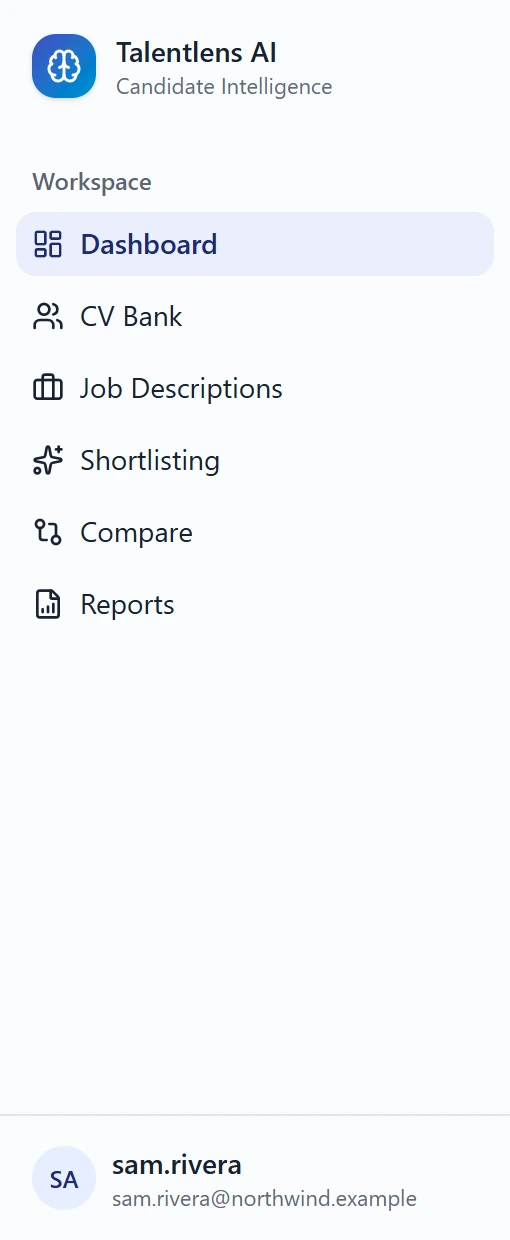
The sidebar on the left is how you move around. Under Workspace you will find:
| Screen | What it is for |
|---|---|
| Dashboard | An overview of your hiring activity |
| CV Bank | Every candidate your company has uploaded |
| Job Descriptions | The roles you are hiring for |
| Shortlisting | Match candidates to a role and decide |
| Compare | Put candidates side by side |
| Reports | Shortlist reports you can export |
Depending on your account, you may also see a Developer & API group. That is for the person who connects your other systems to Talentlens AI. See API access.
What you see depends on your account
The menu shows only what your account is allowed to use. If a screen described in this guide is missing from your sidebar, your account does not have access to it. Ask your administrator.
Collapsing the sidebar
Use the button at the top of the page to collapse the sidebar to icons and give the screen more room.